- 2025-11-24
BitLocker in Windows 11: Why Automatic Device Encryption Can Be Risky (and How to Stay Safe)
Introduction On many modern Windows 11 PCs, BitLocker (device encryption) is turned on automatically as soon as you sign in w […]

Introduction On many modern Windows 11 PCs, BitLocker (device encryption) is turned on automatically as soon as you sign in w […]
You start your PC like any other day—only to realize that Bluetooth has completely vanished. The option is missing in Setting […]

Introduction Windows includes a built-in Troubleshooter designed to automatically detect and repair common issues — from brok […]
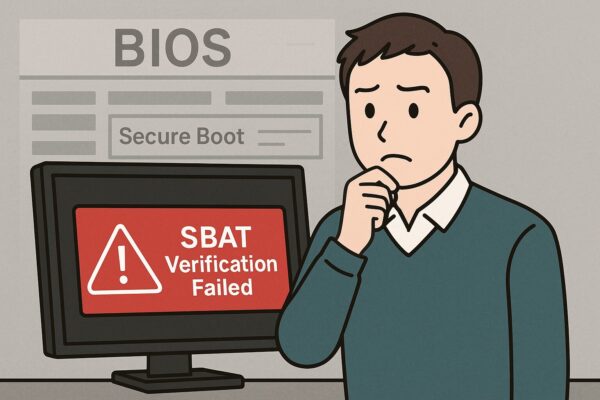
A complete 2025 guide to SBAT, why your PC suddenly refuses to boot, and the safest ways to 1) What is SBAT and why does it b […]
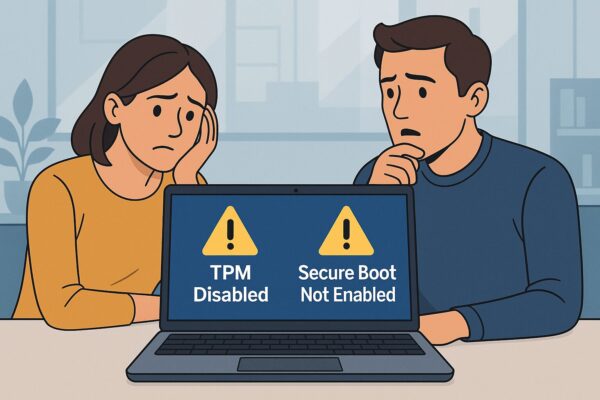
Introduction As Windows 11 24H2 rolls out globally, many users are eager to upgrade. But for those with older or custom-built […]
When nights are still warm and your backpack or desk doesn’t get much airflow, your Surface can “wake up tired”—warm chassis, […]
TL;DRIf your PC feels slow even when CPU is low, apps crash, or updates fail after recent Windows 11 patches: (1) run SFC/DIS […]
TL;DRIf your PC looks completely dead after an update (no lights, no fans, no display), treat it like a power/firmware protec […]
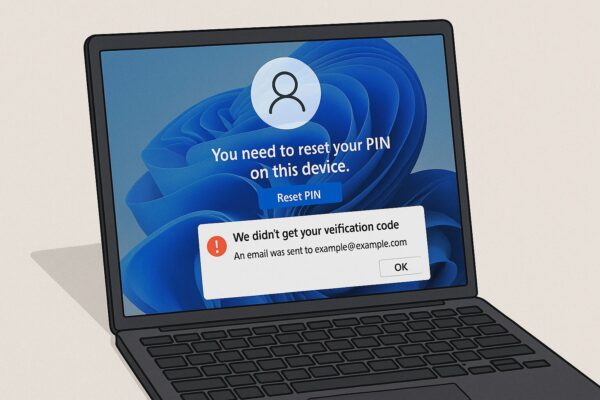
TL;DRAfter a Windows 11 update, some users see “You need to reset your PIN on this device” and never receive the verification […]

Introduction (Updated for Windows 11 24H2/25H2) Windows Clipboard History is a handy feature that shows what you recently cop […]