What Is WMI? A Beginner-Friendly Explanation
WMI stands for Windows Management Instrumentation. It’s a core Windows feature that allows the system and applications to retrieve information about hardware, drivers, services, and internal components. Tools like Task Manager, Device Manager, and many third-party utilities rely on WMI to collect system data.
When WMI becomes corrupted, users may start to see repeated errors in the Event Viewer — even if the PC appears to be working normally. These hidden issues can lead to hardware monitoring failures, broken automation scripts, or malfunctioning admin tools.
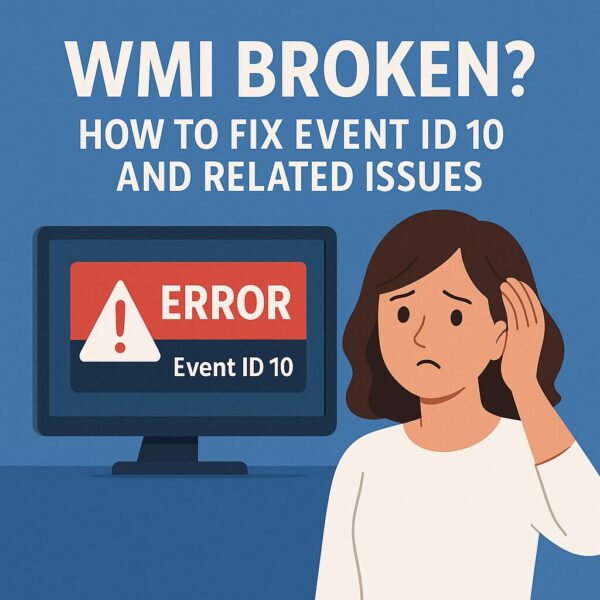
Understanding Event ID 10
One of the most common signs of WMI trouble is the repeated appearance of Event ID 10 in the Event Viewer. The message typically looks like this:
Event filter with query “SELECT * FROM __InstanceModificationEvent…”
could not be reactivated in namespace…
This means WMI attempted to run a query but failed. Common causes include:
- Corrupted MOF files after a Windows upgrade
- Legacy or misbehaving applications submitting invalid WMI queries
- WMI repository inconsistency or damage
While not fatal, ignoring this error can lead to subtle but persistent system issues.
Other Common WMI-Related Errors
Aside from Event ID 10, you may see other WMI-related errors in your logs. Here are some of the most frequent ones:
| Event ID / Code | Description |
|---|---|
| 10 | Failed to restart WMI query (__InstanceModificationEvent) |
| 28 | WMI service not responding / corrupted repository |
| 5858 | Unauthorized or failed client access to WMI |
| 0x80041003 | Query failed due to insufficient permissions |
If you see any of these repeatedly, it’s time to repair your WMI service.
How to Repair WMI (Step-by-Step Guide)
If you’re seeing Event ID 10 or other WMI-related errors, try these repair steps. They’re beginner-friendly and safe for most Windows 10 and 11 systems.
1. Open Command Prompt as Administrator
Search for cmd, then right-click Command Prompt → Run as administrator.
2. Check the WMI Repository
Run:
winmgmt /verifyrepositoryIf it says “WMI repository is consistent,” you’re fine.
Otherwise, continue.
3. Repair the Repository
winmgmt /salvagerepository4. Restart the WMI Service
net stop winmgmtnet start winmgmtOptional: Recompile All MOF Files (Advanced)
Do this only if you still see errors:
for /f %s in ('dir /b *.mof') do mofcomp %sNote: This is more advanced — create a restore point first.
What Is a MOF File?
A MOF (Managed Object Format) file tells WMI what data it should collect.
If these files are missing or corrupted, WMI cannot function properly.
What Is DCOM?
DCOM (Distributed Component Object Model) is a Windows communication framework used by WMI and various system components.
Misconfigured DCOM settings can cause silent WMI query failures.
What to Do If WMI Errors Persist
If repairing the repository doesn’t fix your issues, try broader system repairs:
- Repair system images with DISM:
DISM /Online /Cleanup-Image /RestoreHealth - Run System File Checker:
sfc /scannow - Perform a Windows repair install (keeps your data and apps)
These tools repair deeper system corruption beyond WMI.
How to Prevent WMI Problems in the Future
WMI issues often appear silently. Reduce risks by:
- Avoiding registry cleaners or aggressive “PC tweak” tools
- Being cautious with hardware monitoring utilities or custom system apps
- Checking Event Viewer after major Windows updates
Also, create regular restore points or backups — WMI corruption can be difficult to reverse without one.
Final Thoughts and Related Errors
WMI errors like Event ID 10 won’t stop your PC from booting, but they can cause failures in monitoring tools, backups, automation scripts, and background services. Fixing them early prevents more complex issues later.
Other system-level errors worth reviewing:
Extra Tip: Review Event Logs Monthly
Even if your PC seems fine, taking a quick look at your Event Logs once a month can help catch hidden issues early — such as WMI failures, service crashes, and permission errors.
A small habit that can prevent big headaches.
💡 Looking for more tips? Check out our full list of Windows Help Guides.